

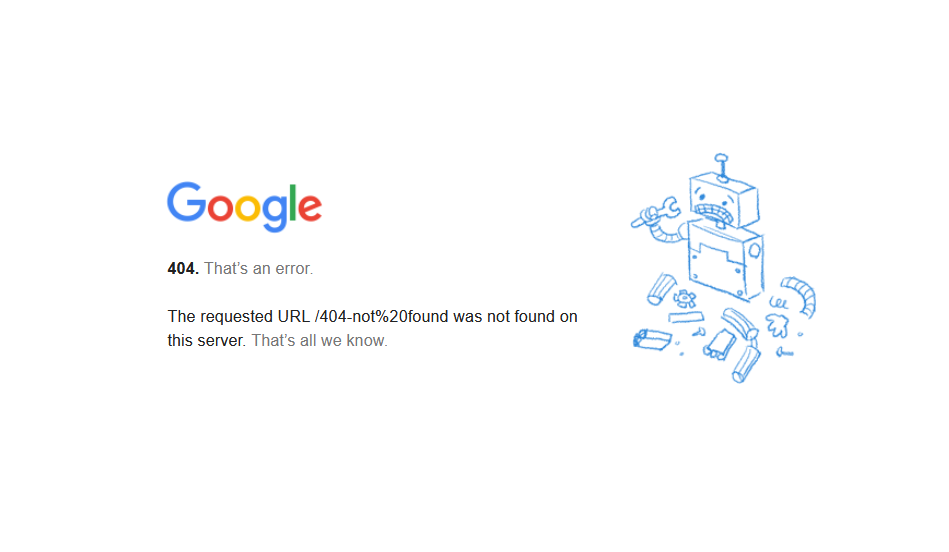
A 404 page is a web page displayed when a requested URL cannot be found on a server. The 404 Not Found error is an HTTP status code indicating that the page does not exist or has been removed.
This response occurs when a user clicks on a broken link, enters an incorrect URL, or tries to access a deleted web page. A 404 error can negatively impact the user experience by causing frustration and increasing bounce rates.
Search engines like Google track 404 errors and may reduce a website’s crawl budget if missing pages are not properly managed. Websites with too many broken links or soft 404 errors can experience SEO ranking drops.
Fixing 404 errors involves URL redirects, updating internal links, and monitoring issues through Google Search Console.
Implementing a custom 404 page with helpful navigation improves user retention and reduces frustration. Managing 404 responses correctly ensures a better search presence and enhances website usability.

How Does a 404 Error Page Work?
The 404 Not Found error message is a standard way for web servers to inform users and search engines that the requested resource is unavailable.
The 404 Not Found error is an HTTP status code that indicates a missing web page. HTTP status codes are three-digit numbers that tell browsers whether a request was successful or encountered an issue.
A 200 status code confirms a successful request, while a 404 status code signals a missing page.
Difference Between 404 and Other Status Codes
The 404 not found error code differs from other HTTP responses. A 301 redirect permanently moves a URL to a new location, while a 302 redirect temporarily forwards users to another page.
A 410 Gone status code tells search engines that a page is permanently deleted, while a 404 page simply indicates that the requested content is unavailable.
Server and Client Role
When a user requests a missing page, the server searches its directories to locate the content. If the requested file does not exist, the server returns a 404 status code to the browser.
This informs the user and search engines that the content cannot be found, preventing further access attempts.
Common Causes of 404 Errors
- Deleted or Moved Pages: Deleting or moving web pages without a 301 redirect will return a 404 error.
If a business removes outdated content but does not redirect users to a relevant alternative, visitors will see a 404 page not found error instead of helpful content. - Broken or Incorrect Links: Broken links are a major cause of 404 errors. These occur when external or internal links direct users to missing pages.
If a website links to outdated URLs or contains typos in its URLs, visitors will encounter a 404 error page. - Website Restructuring: Website restructuring can lead to 404 not found errors if URLs change without proper redirects. When businesses update their site architecture, old URLs may no longer be valid.
If internal links still point to old URLs, users and search engines will encounter 404 response errors. - Expired or Deactivated Domains: A 404 error can appear if a website’s domain expires or a specific page is deactivated.
If a business changes its domain name without redirecting old URLs, previous visitors will encounter 404 not found error pages instead of the new site.
How 404 Errors Impact User Experience
Frustration & Bounce Rate
Encountering a 404 page can frustrate users, especially if they expect valuable content.
When visitors reach a page not found error, they often leave the website, leading to a higher bounce rate. A high bounce rate signals poor user experience, reducing engagement.
Navigation Issues
A 404 page can disrupt website navigation by preventing users from accessing desired content.
If users struggle to find relevant information due to broken links, they may lose trust in the website. Ensuring proper internal linking minimizes 404 errors and improves user experience.
Brand Perception
A poorly designed 404 error page can harm a brand’s reputation. Users may perceive the website as unprofessional when they encounter generic 404 pages without helpful navigation.
Custom 404 pages with a clear message, search bar, and helpful links retain visitors and reinforce brand reliability.
Custom 404 Pages
A custom 404 page enhances user engagement by providing alternative navigation options.
Well-designed 404 pages include a search function, homepage links, and humor to keep users engaged.
Websites that invest in creative 404 pages improve retention and reduce frustration.
How 404 Errors Affect SEO Performance
- Crawlability & Indexing: Search engines like Google track 404 error pages through Google Search Console.
If a website has too many 404 errors, search engines may lower its crawling priority, reducing indexing efficiency. - Link Equity Loss:
When high-authority pages contain broken links, the website loses valuable link equity.
This weakens SEO rankings, especially if external backlinks point to missing URLs. 301 redirects help preserve link juice and maintain search visibility. - Impact on Rankings: Too many 404 errors can negatively impact search rankings. Googlebot prioritizes well-maintained websites with working URLs.
Fixing broken links and redirecting users to relevant pages prevents SEO issues. - Google Search Console & 404 Errors: Google Search Console allows webmasters to track and fix 404 errors.
Webmasters can implement 301 redirects or update internal links by identifying missing URLs to prevent SEO losses.
Soft 404 vs Hard 404 Errors
A soft 404 error occurs when a missing page incorrectly returns a 200 status code instead of 404 Not Found. This confuses search engines and can lead to poor indexing.
Soft 404 errors dilute SEO value by misleading search engines. Google Search Console flags soft 404s as poor user experience, reducing website credibility.
A hard 404 error correctly returns a 404 status code, informing Google and users that the page is missing. Fixing soft 404s by implementing proper redirects ensures a better SEO structure.
How to Fix 404 Not Found Errors?
A 301 redirect is a permanent redirection from a deleted or moved page to a new URL. It helps retain SEO value by passing link equity to the new page.
A 302 redirect is temporary and does not transfer SEO authority. Using 301 or 302 redirects for missing pages prevents users from encountering a 404 error page and improves website navigation.
Updating Internal Links
Broken internal links can lead to multiple 404 errors, negatively affecting user experience and search engine crawling.
Regularly auditing internal links ensures they direct users to existing pages. Updating outdated URLs and removing broken links improves website accessibility and maintains SEO rankings.
Fixing External Links
External backlinks pointing to deleted or moved pages can cause 404 errors and reduce link authority.
Webmasters should use tools like Google Search Console and third-party SEO tools like URL Status Checker to identify broken backlinks.
Reaching out to site owners or implementing 301 redirects for outdated URLs helps retain traffic and link equity.
Related: How to Fix 404 Not Found Nginx Error
Monitoring via Google Search Console
Google Search Console provides a 404 error report under the Coverage section, helping webmasters track and fix missing pages.
Regularly reviewing these reports ensures broken pages are either restored or redirected. Addressing 404 response errors improves website indexing and prevents ranking losses.
Custom 404 Pages
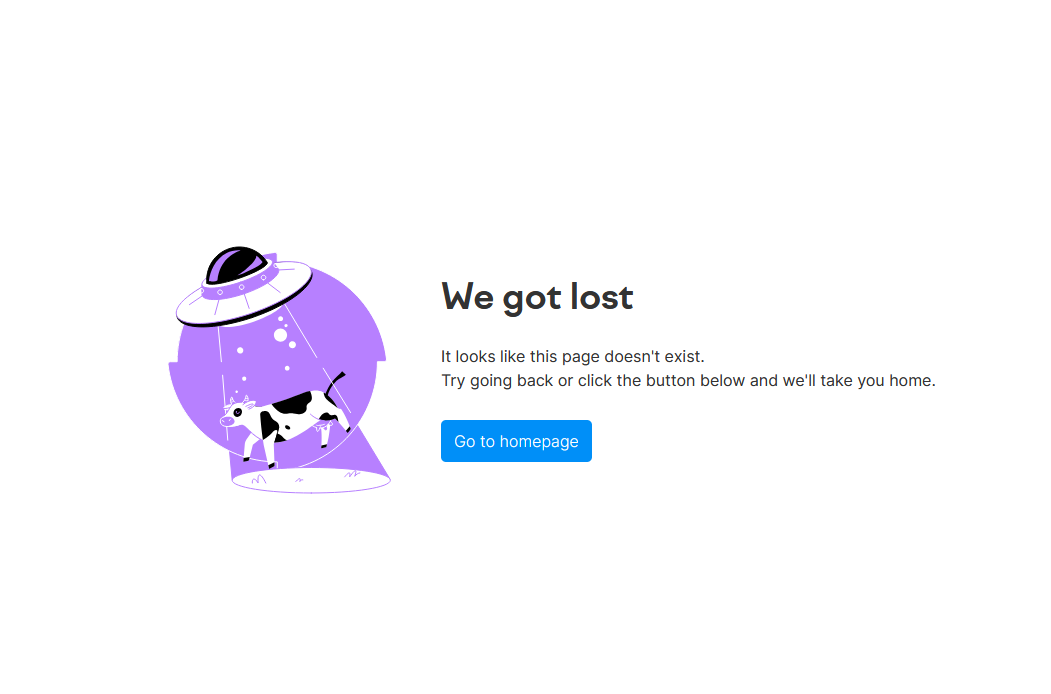
A well-designed custom 404 page prevents users from leaving the site by offering helpful navigation options. Adding a search bar, homepage link, or recommended articles improves engagement.
Websites with humorous or visually appealing 404 pages enhance user experience while minimizing frustration.
Examples of Well-Designed 404 Pages
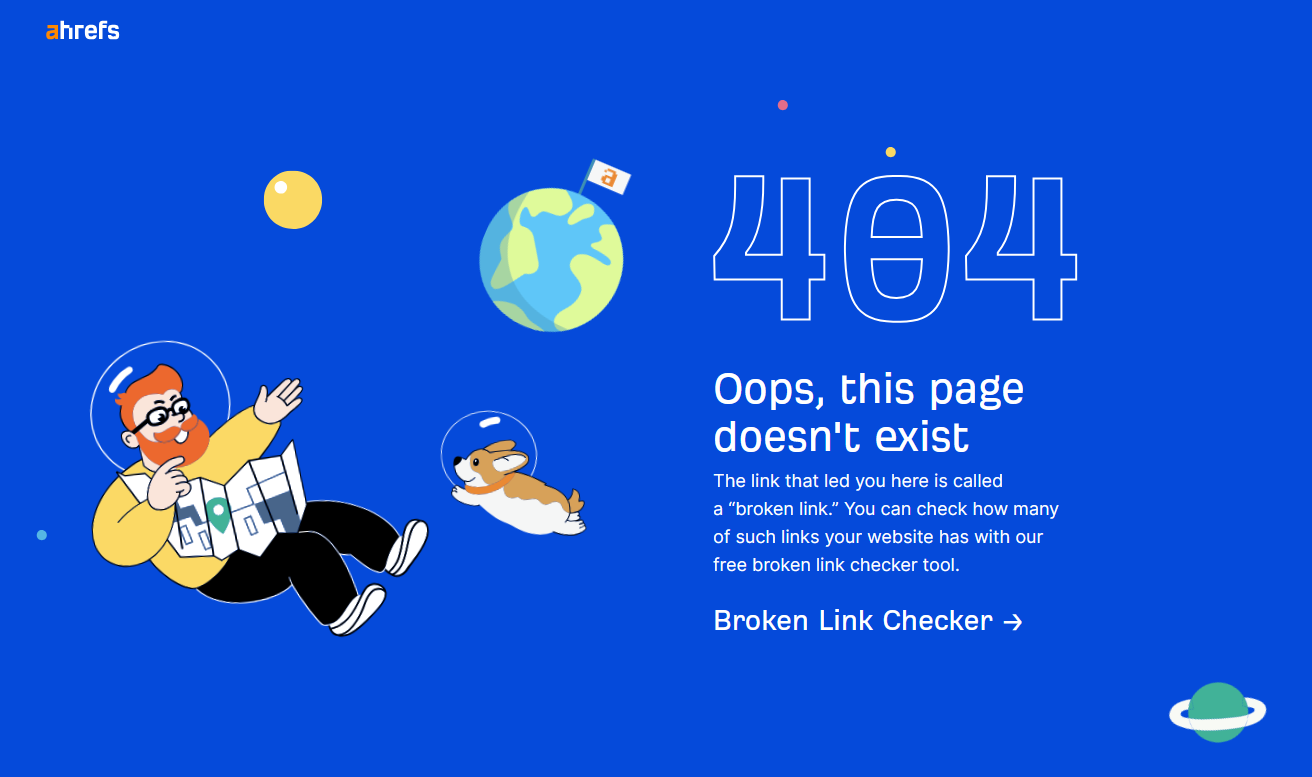
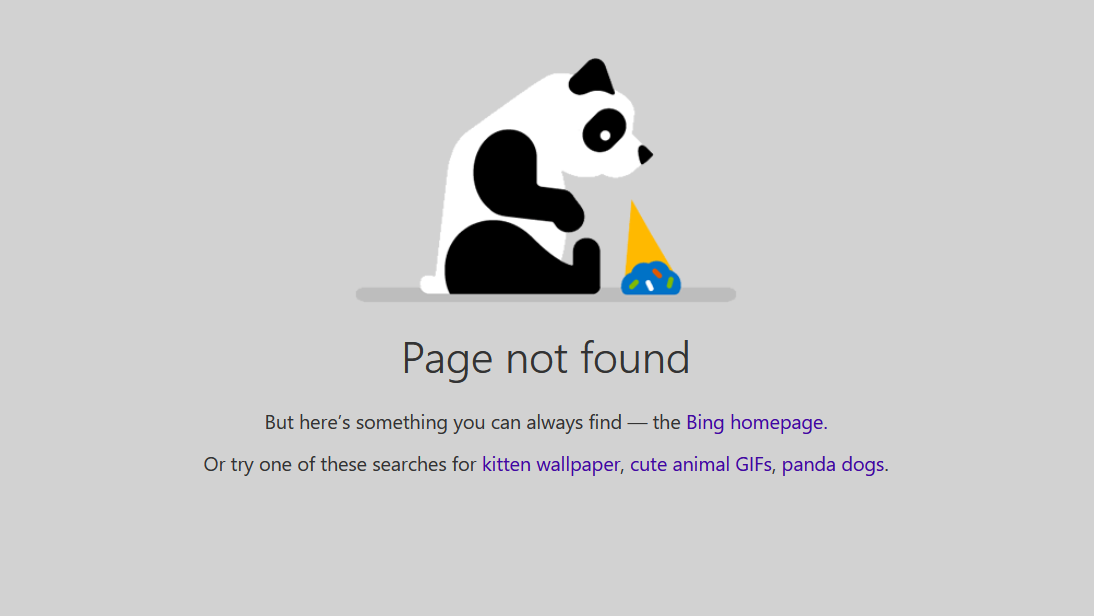
- Engaging 404 Pages: Some websites use creative or funny 404 pages to maintain visitor engagement.
For example, brands incorporate cartoon graphics, witty messages, or animations to make the 404 experience less frustrating. Engaging pages help users stay on the website rather than exiting immediately. - User-Friendly Navigation: A 404 page should act as a secondary navigation tool, guiding users back to relevant content.
Well-structured 404 pages include links to the homepage, site categories, or popular posts. This approach reduces the bounce rate and encourages users to explore other pages.

- Providing Search or Helpful Links: Adding a search function allows users to find related content quickly.
Providing links to top-performing pages, FAQs, or customer support ensures a seamless experience. A well-organized 404 page keeps users engaged and improves website usability.
Best Practices for an Effective 404 Not Found
- Clear Message & Explanation: A 404 page should include a clear and concise message explaining that the page is missing.
Instead of generic errors, websites should use friendly text like “Oops! This page is no longer available” to provide a better user experience. - Navigation & Search Bar: Adding a search bar to a 404 error page helps users locate relevant content.
Including direct links to the homepage, popular blog posts, or service pages prevents frustration and improves navigation. - Call-to-Action (CTA): Encouraging users to explore the website through a CTA button improves engagement.
Websites often use CTAs like “Return to Homepage,” “Browse Our Blog,” or “Check Out Our Services” to guide users towards other valuable pages.

- Design & Branding: A custom 404 page should match the website’s branding to ensure consistency.
Brand colors, fonts, and engaging visuals helps maintain professionalism and credibility. A well-designed 404 page enhances user trust and keeps visitors engaged. - Tracking 404 Errors: Regularly monitoring 404 errors using tools like Google Analytics and Google Search Console helps webmasters identify broken pages.
Fixing these errors ensures a better user experience and prevents SEO issues caused by outdated or missing content.

Hamza Sarfraz is an experienced SEO and digital marketing strategist with over six years of expertise in boosting online visibility and growth. Working as a Digital Marketing Manager at MARKETERS.PK focuses on developing data-driven SEO strategies, planning projects effectively, and optimizing performance marketing to help businesses scale.
With a strong interest in technology, SEO, and digital marketing, Hamza shares practical insights to help businesses and professionals keep updated. His hands-on approach to organic search, content marketing, and conversion optimization helps brands strengthen their presence and increase revenue.